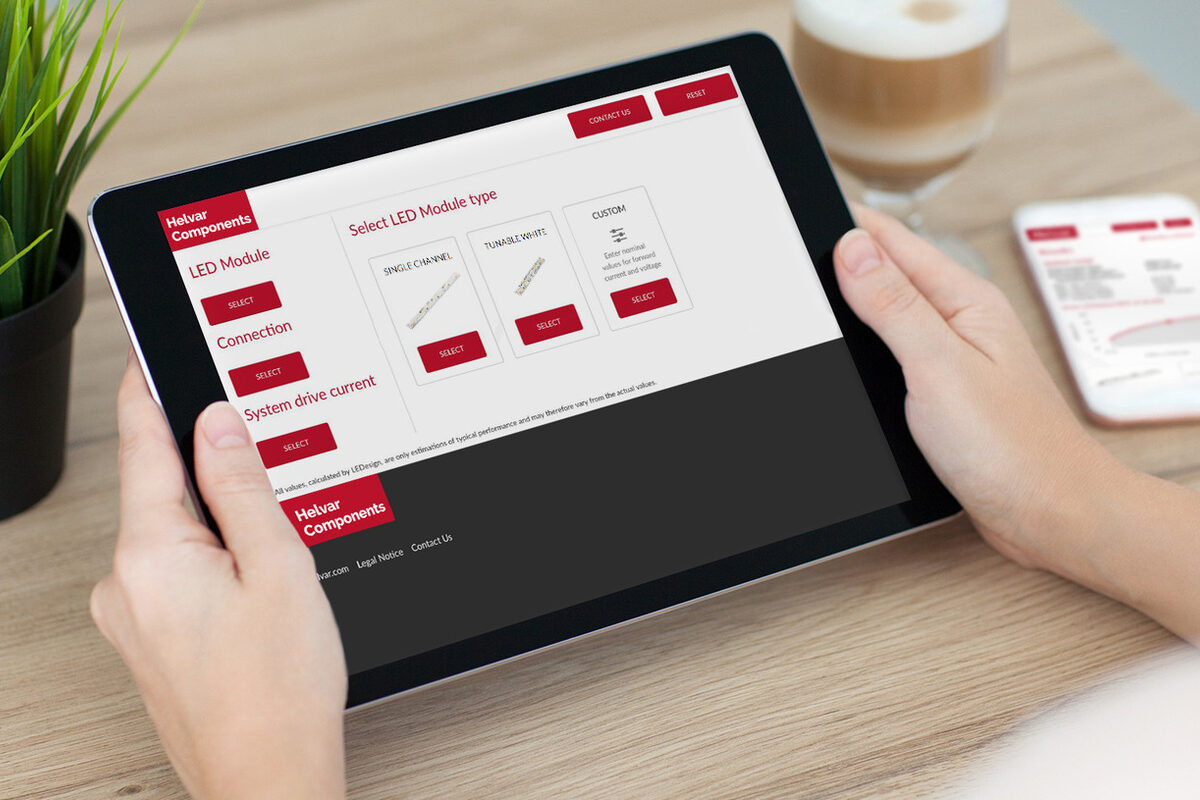
Matching a driver to an LED module by hand means cross-checking forward current, voltage window and power against a stack of datasheets. Helvar's LEDesign tool does that for you, and in April 2016 Helvar released a new version with a cleaner interface, coverage of its latest drivers and new efficiency calculations.
What LEDesign does
You enter the LED module's main data, and LEDesign recommends the compatible Helvar drivers. It works with Helvar's own LED modules and with custom modules. Crucially, it alerts you when a combination would underpower or overdrive the LEDs, which is the mistake that costs either light output or LED lifetime.
For each combination it shows the key electrical and photometric figures, so you can compare options side by side rather than settle on the first driver whose current range fits.
What the 2016 version added
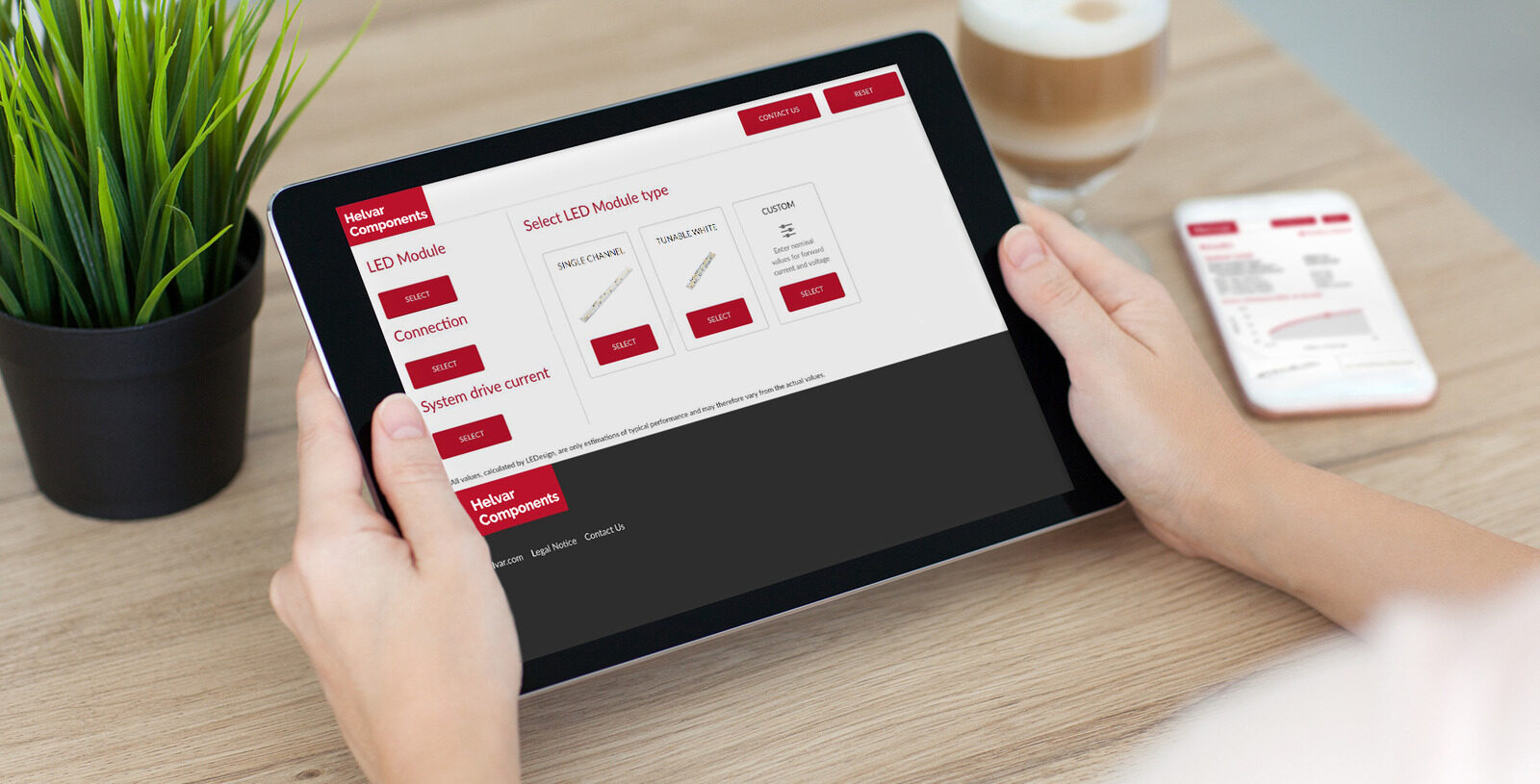
- System efficacy: lm/W calculated from the circuit power and the luminous flux of the light source, so you can pick the most energy-efficient combination rather than just a compatible one.
- Driver efficiency at the chosen current: drivers are rarely most efficient across their whole range, so seeing the figure at your operating point helps choose the optimal model.
- Updated driver library covering Helvar's releases up to that point, with a new user interface.
At the time it ran online and as a standalone Windows application.
LEDesign today
The tool is still maintained by Helvar Components. It now runs in a browser at ledesign.helvarcomponents.com, as a mobile app for Android and iOS that works online or offline, and as a Windows desktop version. Newer features include an efficiency graph for the selected LED load and a simple energy comparison against traditional light sources. Details are on Helvar Components' LEDesign page and our LEDesign product page.
If you are specifying drivers for a luminaire range, you can run the numbers in LEDesign first, then send us the shortlist and we will confirm stock and options from the Helvar component range.